Security gets attention after the incident.
Passwords are shared, access is stale, backups go untested and policy gaps sit unnoticed until they become expensive.
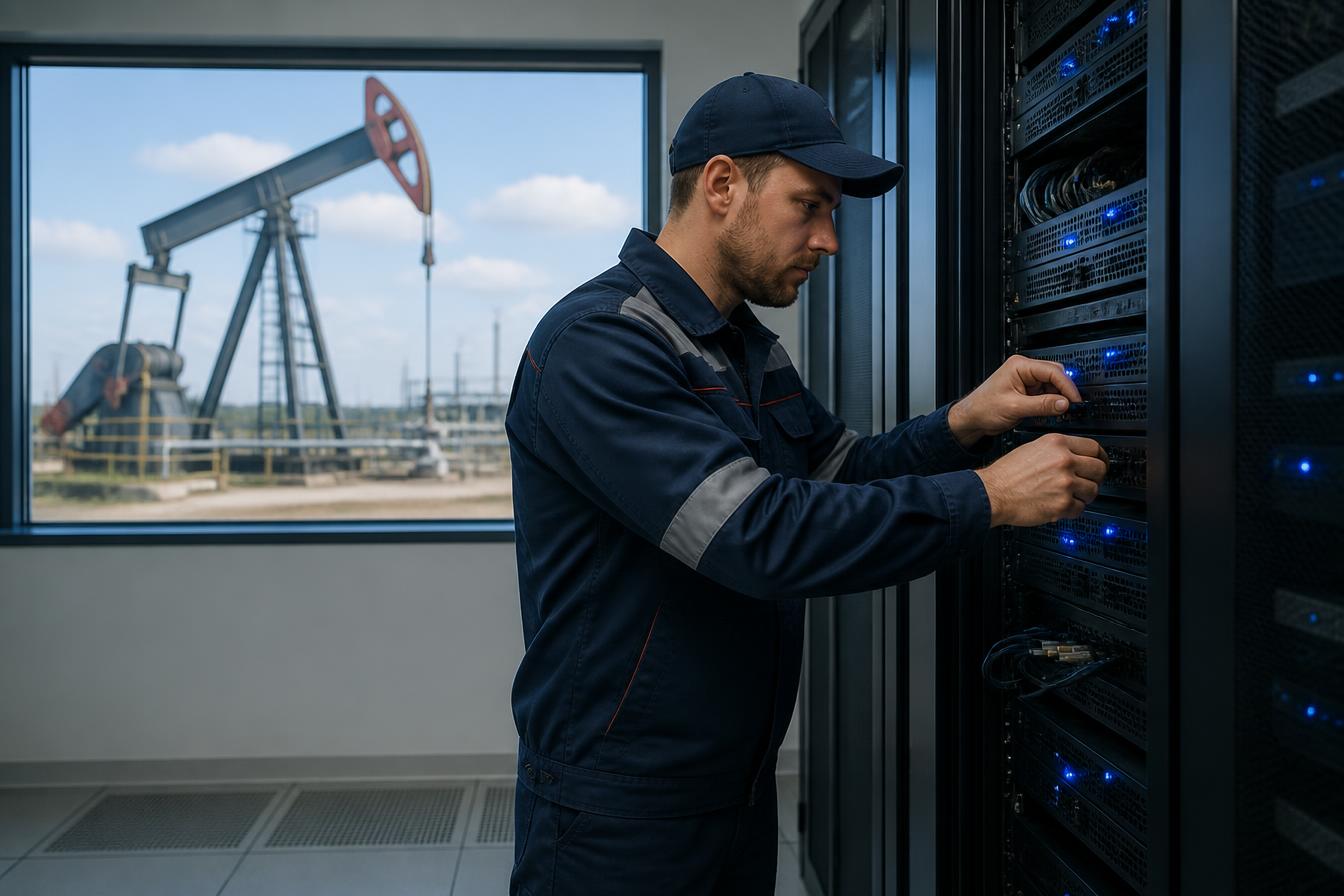
We actively manage, test and improve the technology your business depends on — from security and backups to automation, cost control and on-site support.
Protect it. Monitor it. Back it up. Improve it.
Midland, TX / Denver, CO
Passwords are shared, access is stale, backups go untested and policy gaps sit unnoticed until they become expensive.
Devices, cloud, internet, security, software and vendors live in separate lanes — and everyone points somewhere else when something fails.
Unused seats, duplicate tools and automatic renewals keep stacking up because nobody is reviewing the whole picture.
Reports, forms, approvals and data movement are repeated by hand every week even though the steps could be connected or automated.
Security should not be an annual checkbox or a conversation that starts after a breach. We actively test, review and strengthen the environment before the weakness becomes an incident.
Accounts, permissions, devices, systems, backups and emerging risks.
MFA, enterprise password management and stronger access controls.
Monitoring, patching, endpoint protection and network security.
Controlled penetration testing to identify weaknesses before an attacker does.
Move company data into managed environments such as SharePoint.
Onboarding, offboarding, permissions and recurring access reviews.
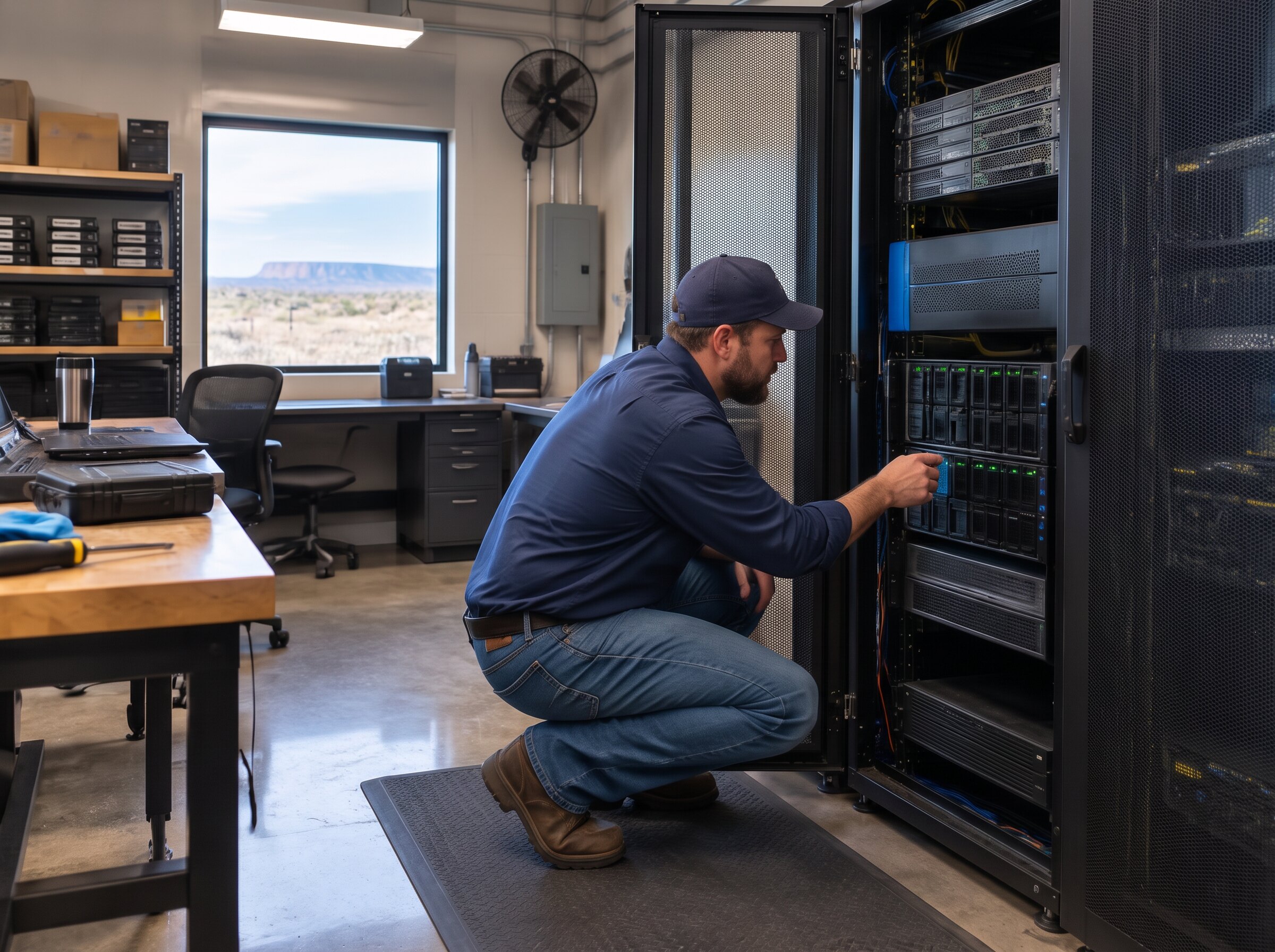
We build redundancy into the environment before something fails — then test the recovery plan so you know what happens when the unexpected actually happens.
Secure cloud environments designed around how the company operates.
Automated, monitored backup of critical company information.
Know what gets restored, where it comes from and who is responsible.
Verify that backups can actually be recovered — before you need them.
Plan around connectivity and equipment failures where the business requires it.
Create a practical path to keep critical operations running during a failure.
Plan for the failure before the failure becomes the plan.
Your technology should be managed as one environment — not as a collection of devices and vendors nobody can see end to end.
Monitoring, updates, security and lifecycle management.
Accounts, permissions, onboarding, offboarding and access reviews.
Connectivity, configuration, performance, monitoring and security.
Select, purchase, configure and deploy the right technology for the budget.
Licensing, access, configuration and ongoing management.
Help keep devices and systems aligned with company and industry requirements.
We actively monitor licensing and subscriptions, then review the stack with your team each year so recurring spend doesn't grow just because no one stopped the renewal.
Sometimes the answer is cancel it. Sometimes it is connect it. Sometimes it is build something better.
We create practical training around the way your employees actually work — not generic coursework everyone clicks through and forgets.
Recognize suspicious messages, links and requests before they become incidents.
Use enterprise password managers, MFA and secure access correctly.
Know where company information belongs and how it should be shared.
Train staff whenever new systems, policies or workflows are introduced.
Company-specific sessions built around your tools, processes and actual risks.
We sit down with someone on your team, walk through the work they repeat every day or every month, and identify what can be linked, automated or generated for them.
01What do you type twice?
02What report do you rebuild?
03What form do you fill out every week?
04What information moves between systems by hand?
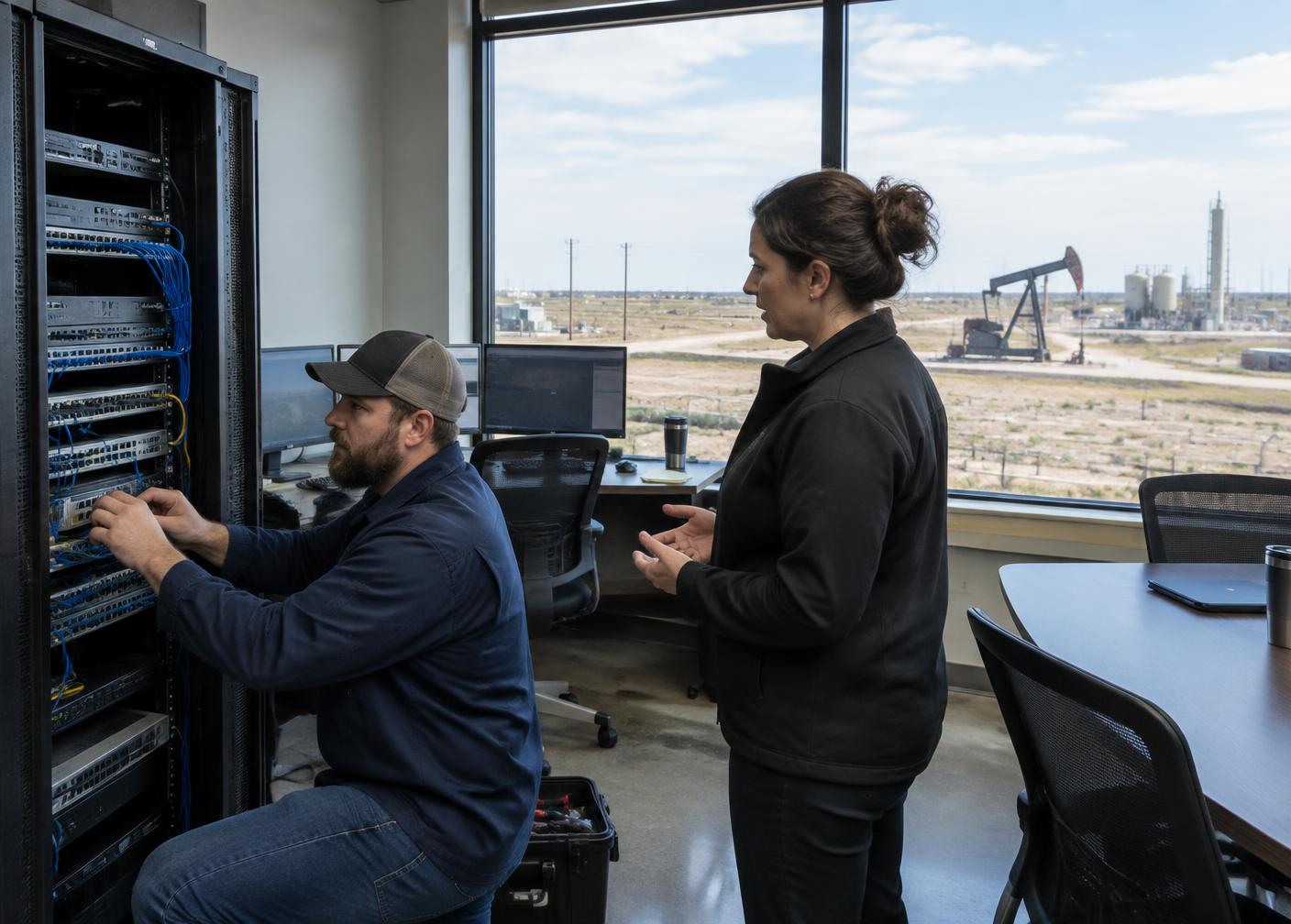
When the business needs somebody physically there, our local technicians can be — for urgent needs, installations, office setups and the projects that simply need a personal touch.
Permian-based support. No outsourced helpdesk. Technicians who know your operations.
Most IT providers can manage the technology you already have. RuroTech can also change it — integrate the systems, build the missing application, create the dashboard or automate the workflow.
Manage the environment, devices, cloud and support.
Protect the systems and strengthen the weak points.
Remove repetitive work and connect existing tools.
Build the application when the existing stack does not fit.
Keep the network, cloud, backups and devices underneath it reliable.
One partner for the full technology ecosystem.
Explore software developmentSecurity. Backups. Costs. People. Infrastructure. Automation. Growth.
Not just the ticket that came in this morning.
IT Services • Software Development • Automation • Security
Built for operators. Managed like it matters.